Kino
Store, play, download and stream your videos directly with your TV.
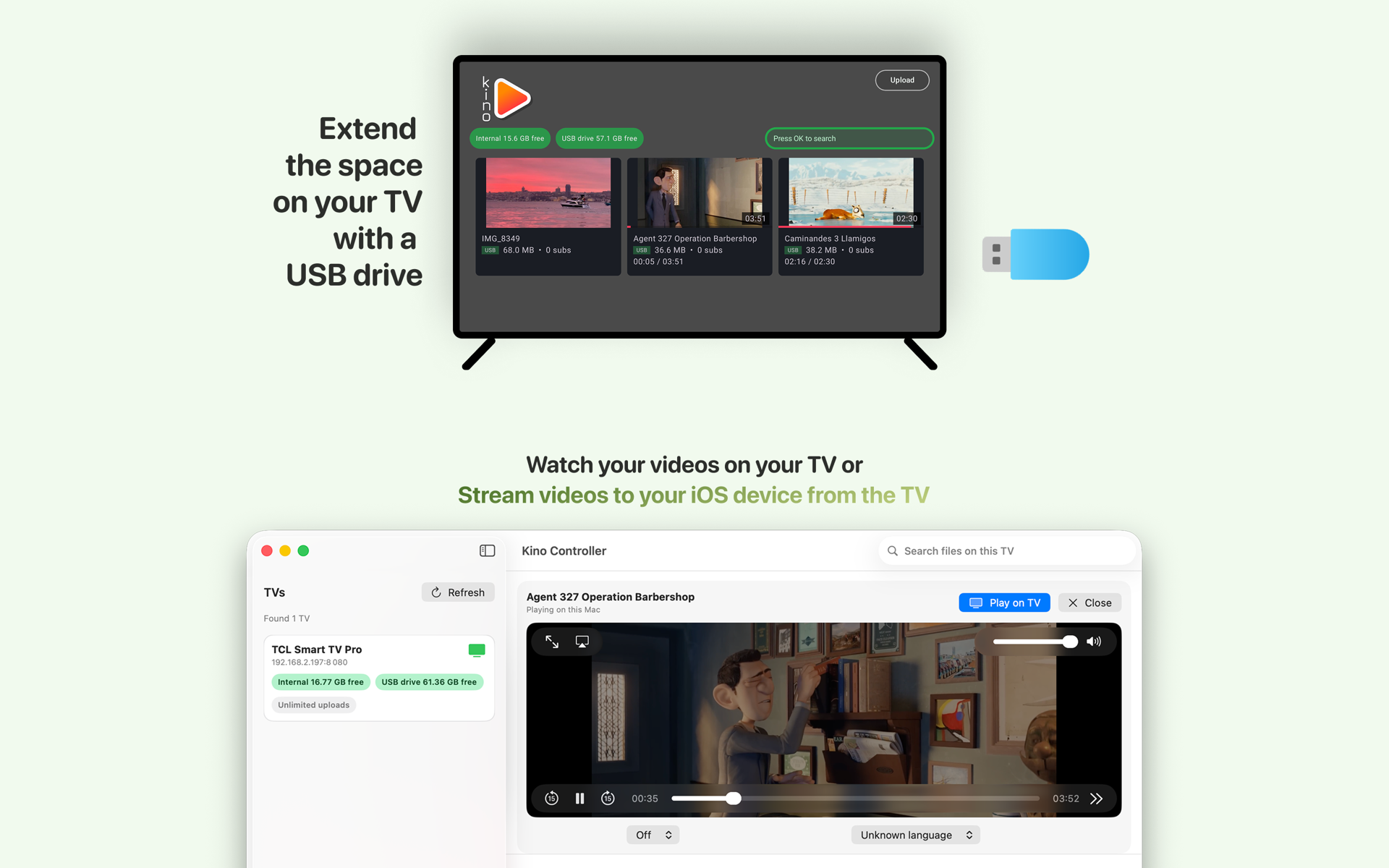
Turn your smart TV into a private media server. Get the core app on Google TV, and control it seamlessly with the companion app for macOS and iPhone.
Install on your Google TV, where you will keep your videos. Required.

Install companion app on iPhone or Mac. This is handy for managing and streaming from the TV. Recommended.
Alternatively, direct download for Mac (Universal) • Requires macOS 13.0 or later
No clutter.
No setup friction.
Designed for speed and clarity, giving you precise control over your TV media experience from your Mac and iPhone. Connect your device to the same Wi‑Fi network and enjoy a unified viewing workflow.
Magic Connect.
Connects to your Kino TV app automatically on your local network. Zero setup required.
100% Private.
We do not track or store any data about you. No ads, ever.
Stream without wasting space.
Upload videos directly from Photos and Files. Stream them back to your Apple device effortlessly without eating up your local storage. Fast, reliable local transfers built for everyday use.
Precise Control
Play, pause, stop, and seek with seamless flow.
Built for Google TV
Kino Controller requires the Kino TV app to be installed on your TV. Store video files in your TV's memory or a plugged-in USB drive*.
*The ability to use USB with the Kino TV app depends on your TV's hardware support for USB drives.
View our Privacy Policy →